Electrical Tips & Trusted Resources
What Should I Do If My RCD Trips and Won’t Reset?
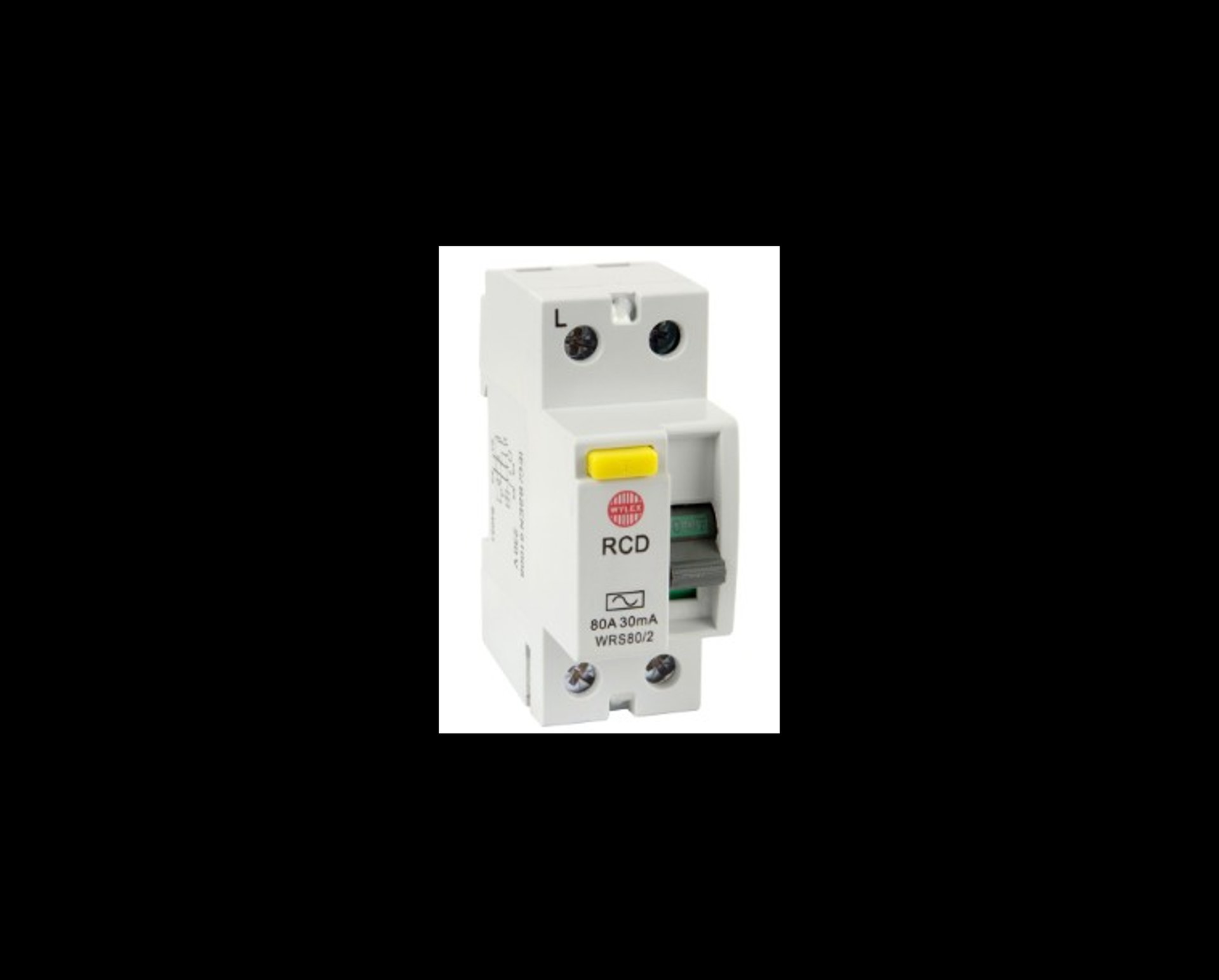
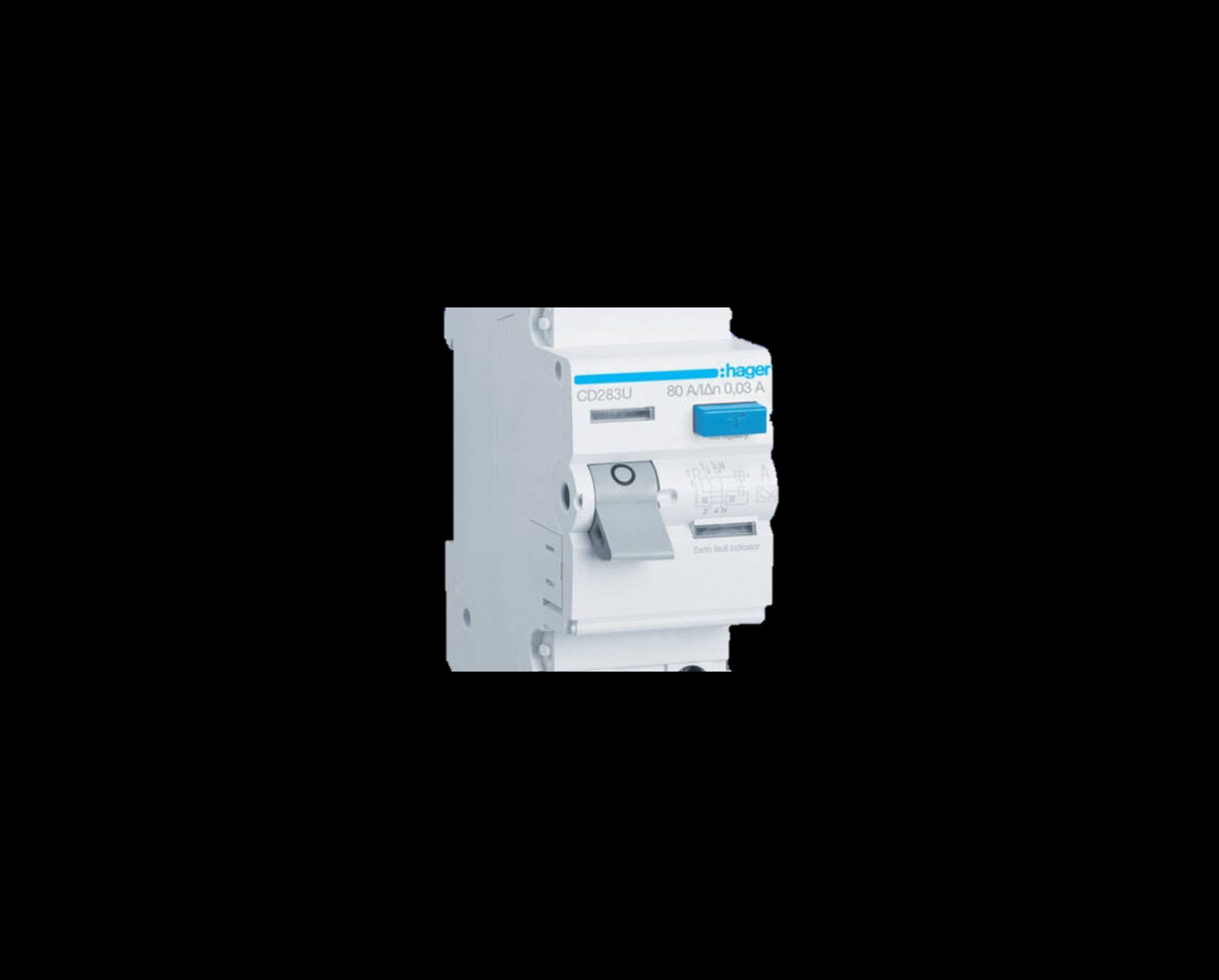
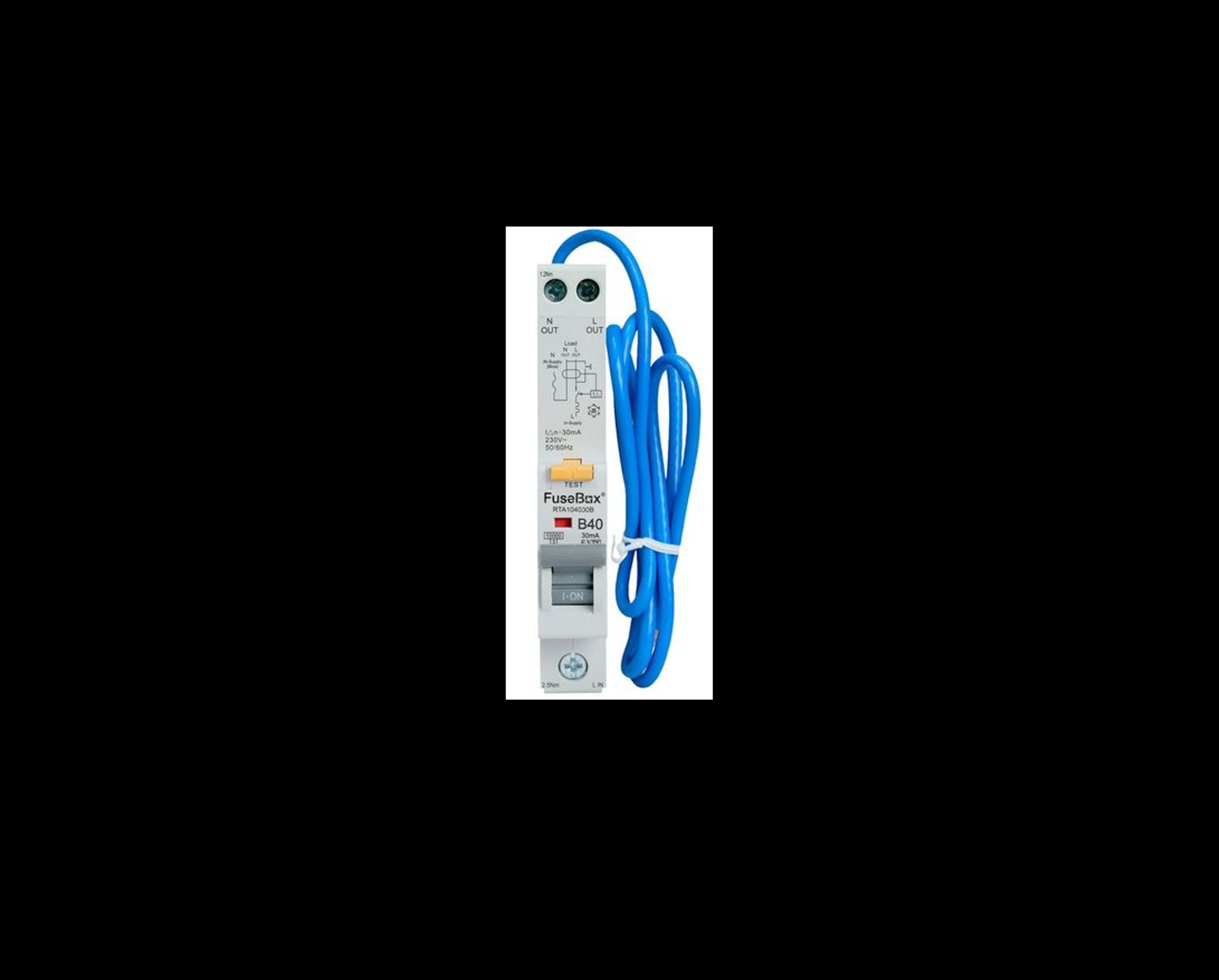
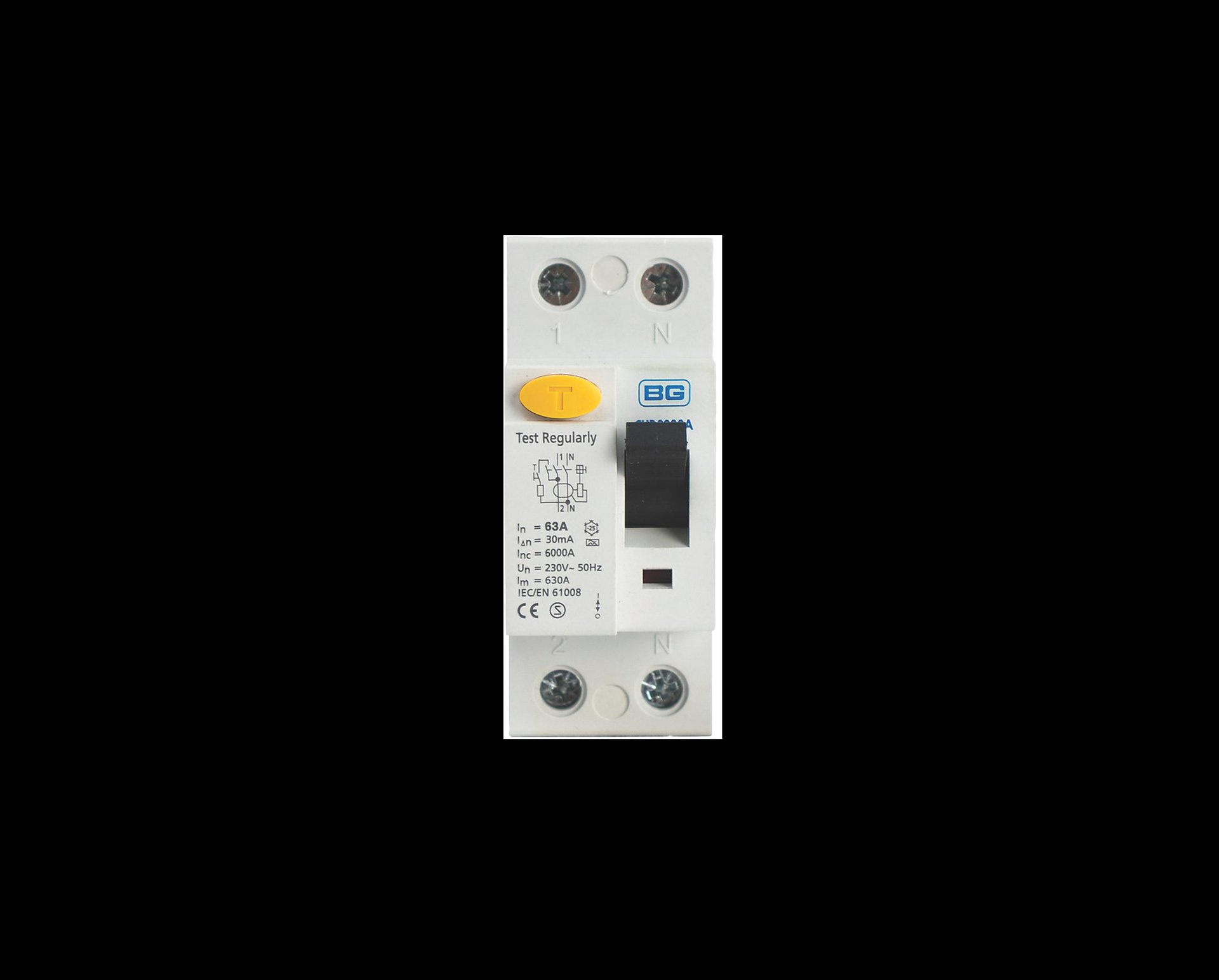
If your RCD won’t reset, it usually means something connected to that circuit has a fault. Follow these steps to find the cause safely:
1. Unplug everything on the affected circuit Remove all appliances, chargers, lamps and anything else plugged in — including items in cupboards, lofts or sheds.
2. Try resetting the RCD again If it resets with everything unplugged, the issue is likely with an appliance.
3. Plug items back in one at a time After each item, check whether the RCD trips again. The appliance that causes the trip is the likely culprit.
4. Turn off switches for fixed appliances This includes:
Washing machine
Dishwasher
Extractor fans
Oven
Boiler spur
Any outdoor sockets or garden equipment
Then try resetting the RCD again.
5. Check anything outside Outdoor lights, pond pumps, hot tubs, pressure washers and extension leads are common causes. Turn them off or unplug them completely.
6. If the RCD still won’t reset There may be a wiring or circuit fault. At this point, it’s safest to contact a qualified electrician.
What is an AFDD and what if it trips?
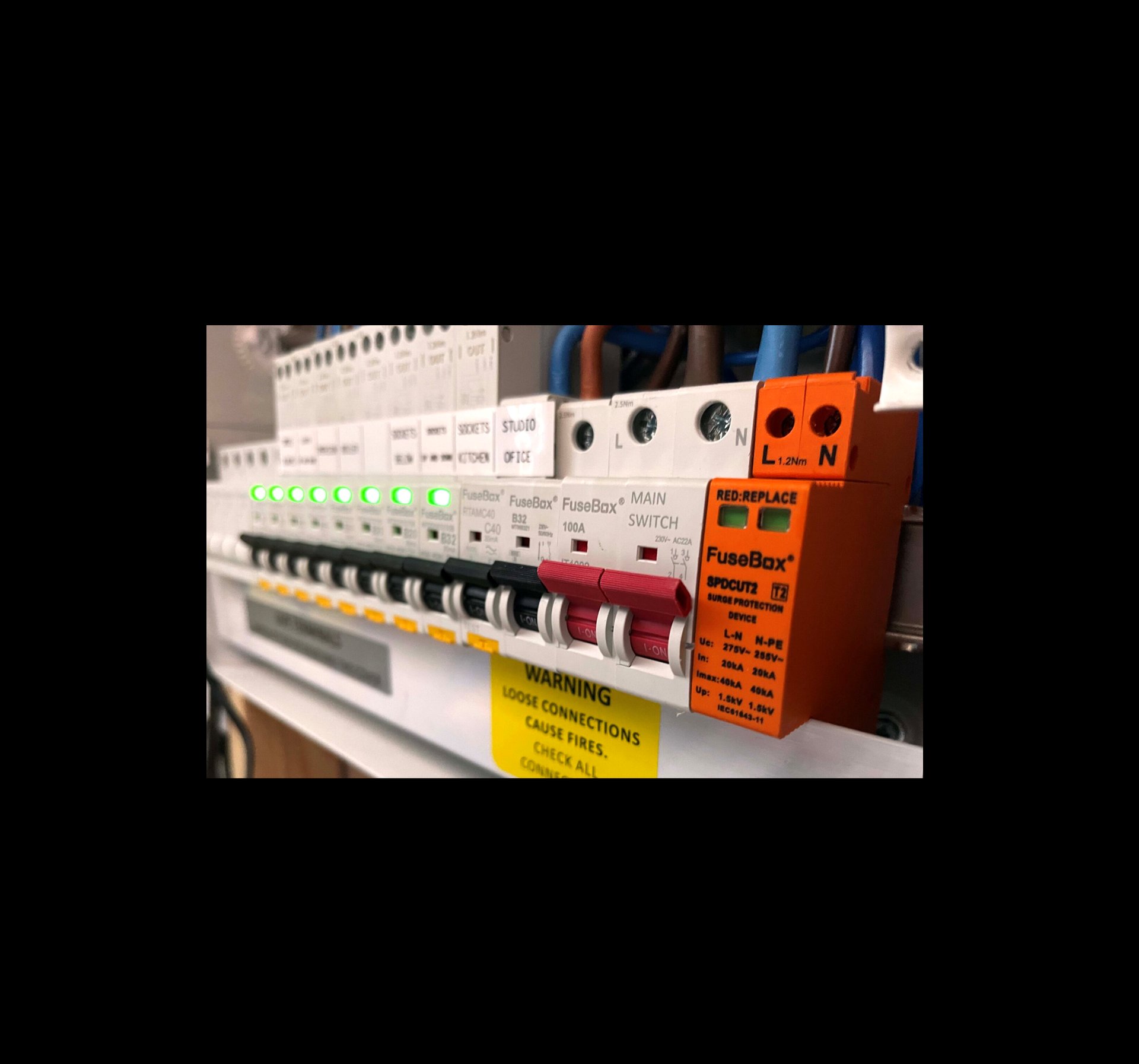
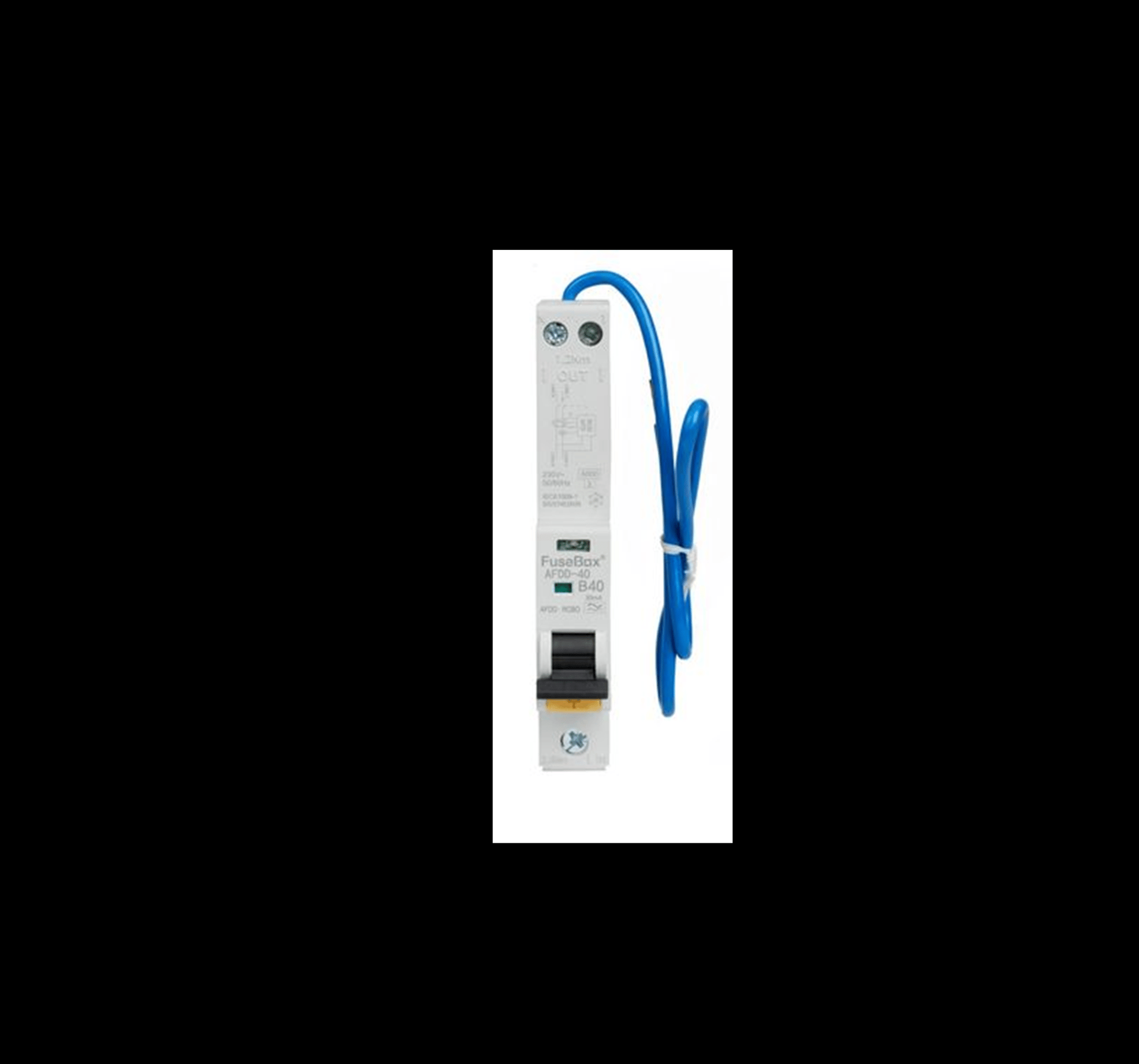
What Is an AFDD and How Does It Work?
An AFDD (Arc Fault Detection Device) is a safety device designed to reduce the risk of electrical fires. It does this by detecting dangerous arcing within a circuit. Arcing can occur when a cable is damaged, loose, crushed, or deteriorating. These faults do not always trip a standard breaker or RCD, which is why AFDDs provide an extra layer of protection.
An AFDD constantly monitors the electrical wave pattern in the circuit. If it recognises the signature of an arc fault, it disconnects the power automatically before heat can build up and potentially start a fire.
What an AFDD Protects Against
Parallel arcing caused by insulation breakdown
Series arcing caused by loose or damaged cables
Overload and short‑circuit protection (in AFDD/RCBO combined units)
Residual current protection (in AFDD/RCD combined units)
This makes AFDDs one of the most advanced forms of electrical protection available for homes and businesses.
Understanding the LED Indicator
Most AFDDs include an LED indicator to help identify why the device has tripped. Although colours vary slightly between manufacturers, the meanings are generally similar:
Solid green – Normal operation
Flashing red – Arc fault detected
Flashing amber or yellow – Overload or overcurrent
Alternating colours – Device fault or self‑test issue
No light – No power or the device has fully tripped
Always refer to the manufacturer’s label for exact LED meanings.
What to Do If an AFDD Trips
Switch the AFDD fully off, then back on.
Unplug appliances on that circuit.
Check for anything that may have damaged a cable, such as furniture pressing on a lead.
Try resetting the AFDD again.
If it trips again, do not continue resetting it. The device is detecting a genuine issue.
At this point, contact a qualified electrician to inspect the circuit safely.