
Electrical Tips & Trusted Resources
Power Cut Safety Tip
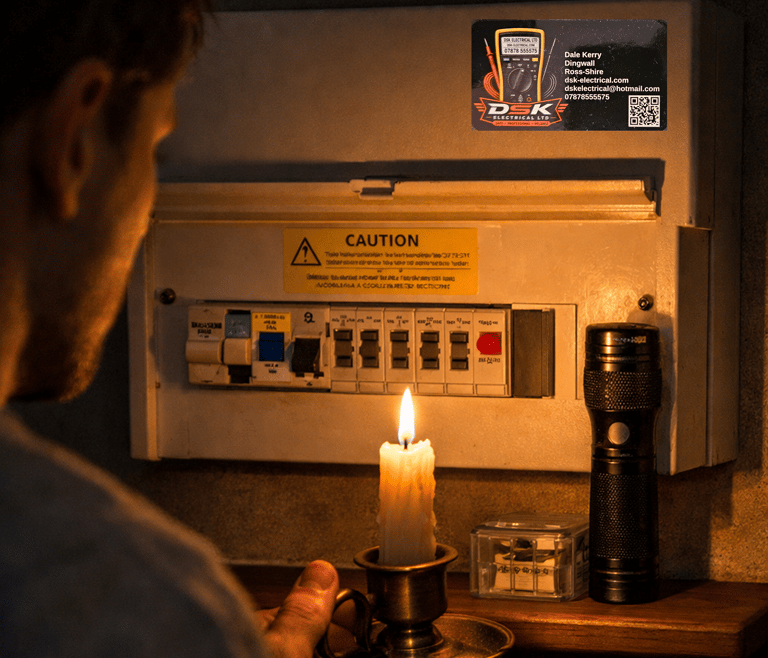
If the lights go out, finding your fuseboard in the dark isn’t easy. Keep a torch next to your consumer unit — ready for any power cut. It’s a simple habit that makes checking fuses or resetting breakers safer and faster. Avoid candles near electrical gear — a torch is safer, cleaner, and always ready.
No RCD? Here’s How to Stay Safe
If your consumer unit doesn’t have an RCD, you’re missing a key layer of protection. An RCD cuts the power within milliseconds if a fault occurs — preventing electric shock and reducing fire risk.
Can You Still Be Safe?
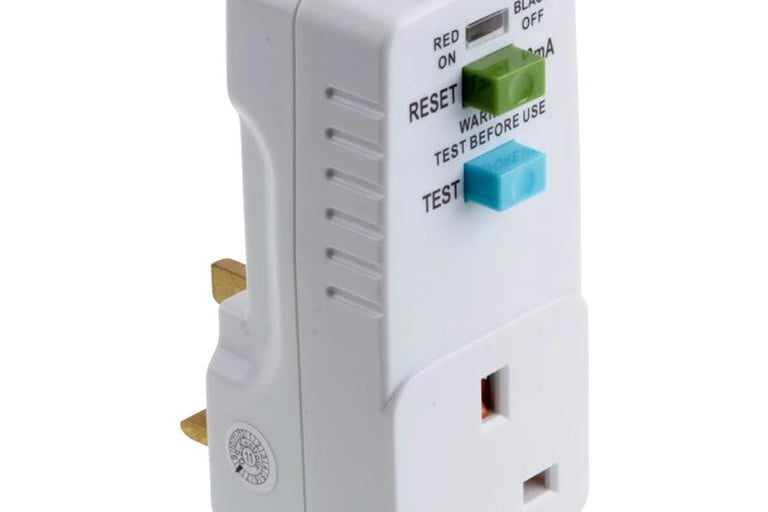
Yes — but only by adding protection yourself. The simplest option is an RCD adaptor.
What an RCD Adaptor Does
You plug it into the socket, then plug your tool or appliance into it. If anything goes wrong, it trips instantly, just like a built‑in RCD.
When You Should Use One
Outdoor tools (mowers, strimmers, pressure washers)
DIY tools (drills, saws, sanders)
Any equipment used in damp or wet areas
Best Practice
Use an RCD adaptor for all higher‑risk jobs
Press the Test button before each use
Replace it if it doesn’t trip immediately
Long‑term: upgrade your consumer unit to full RCD/RCBO protection
RCD & AFDD Testing — What It Is and What to Expect
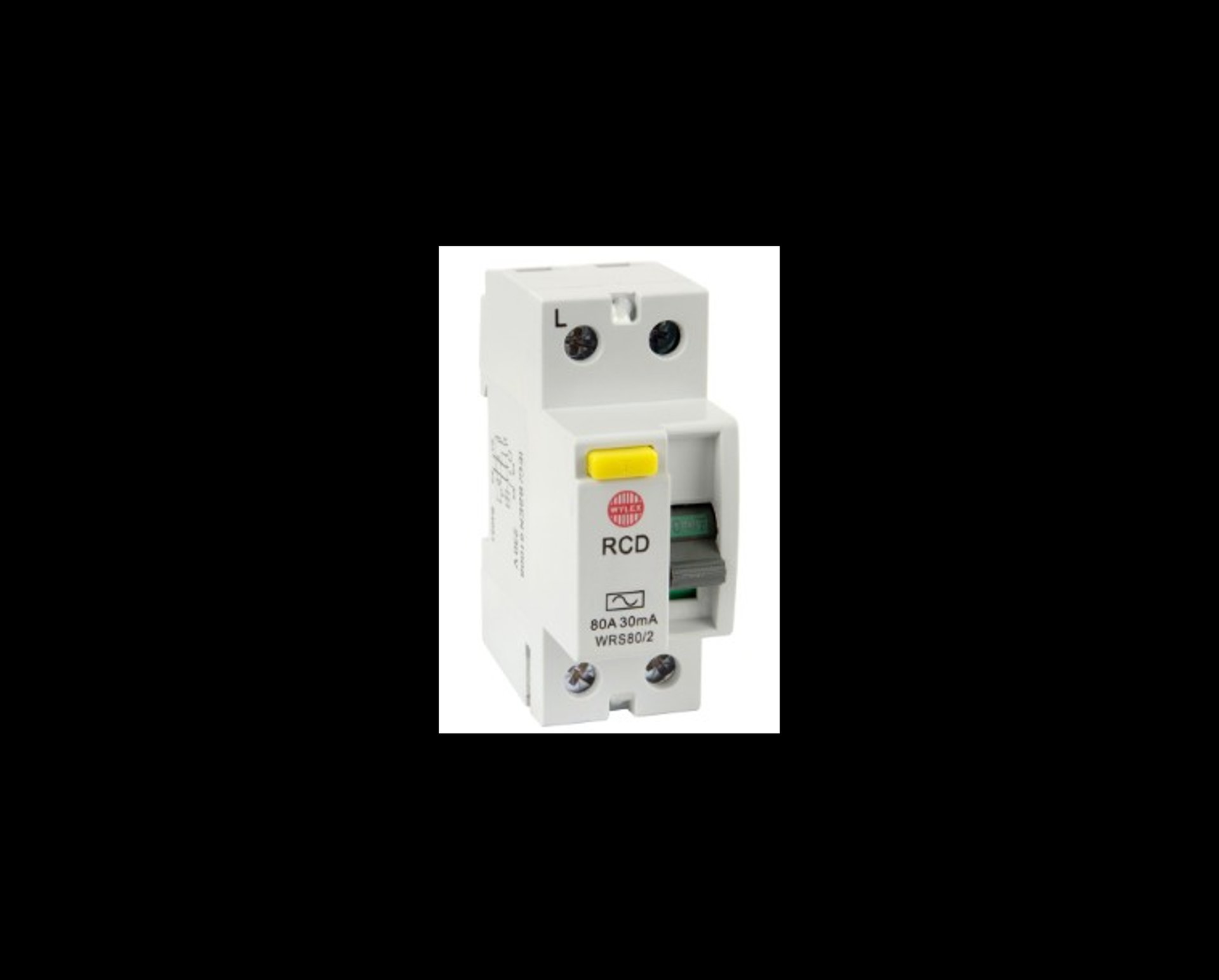
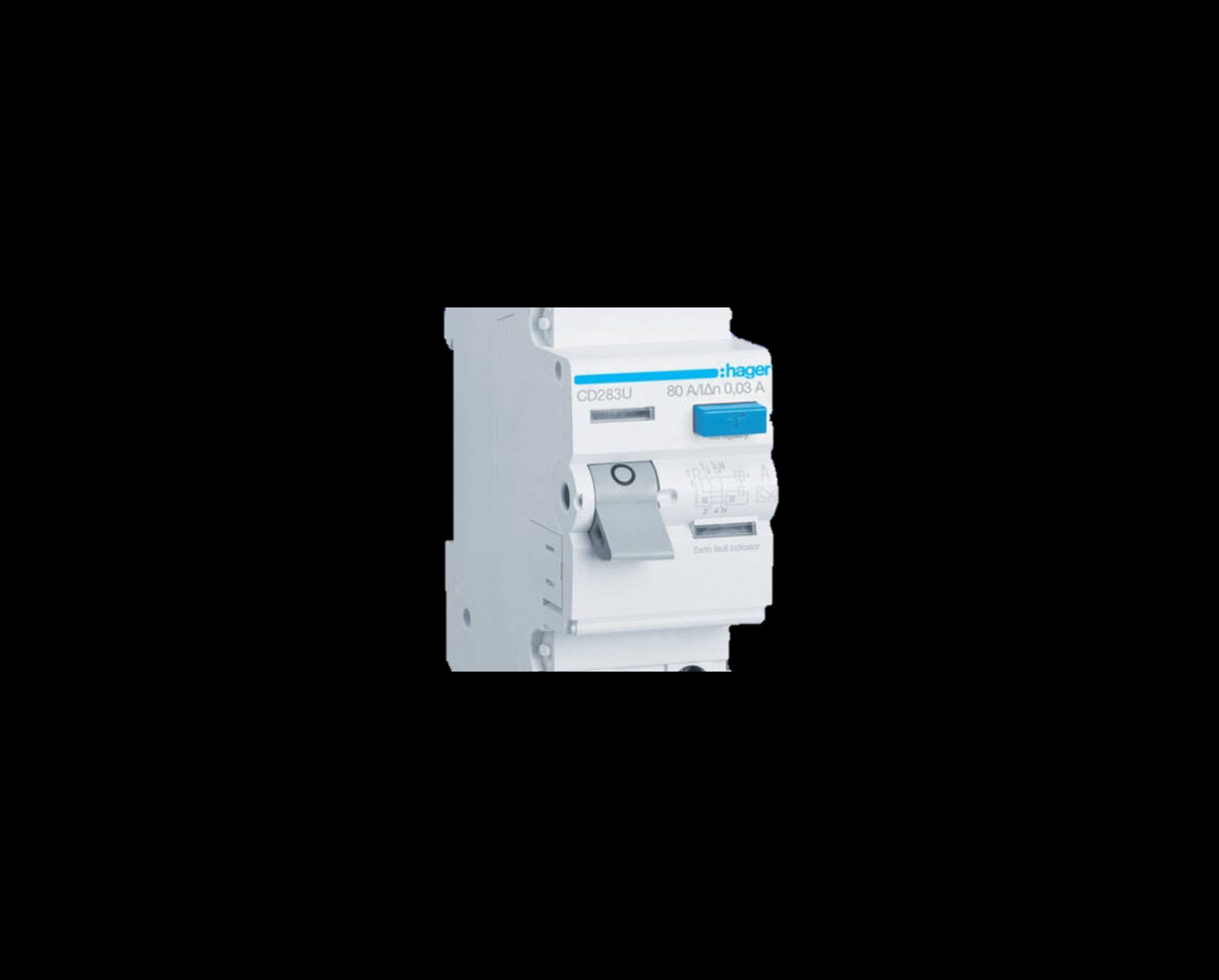
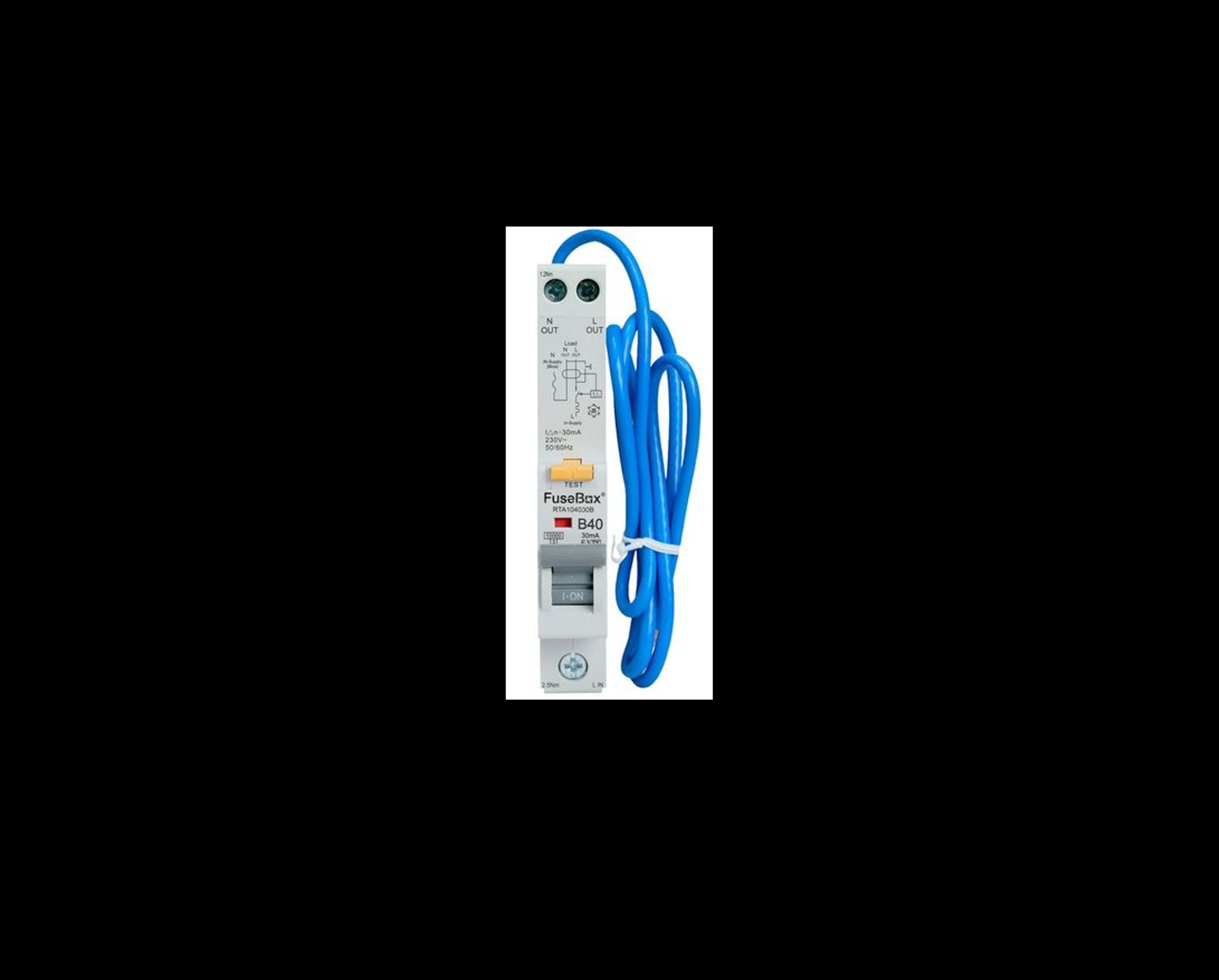
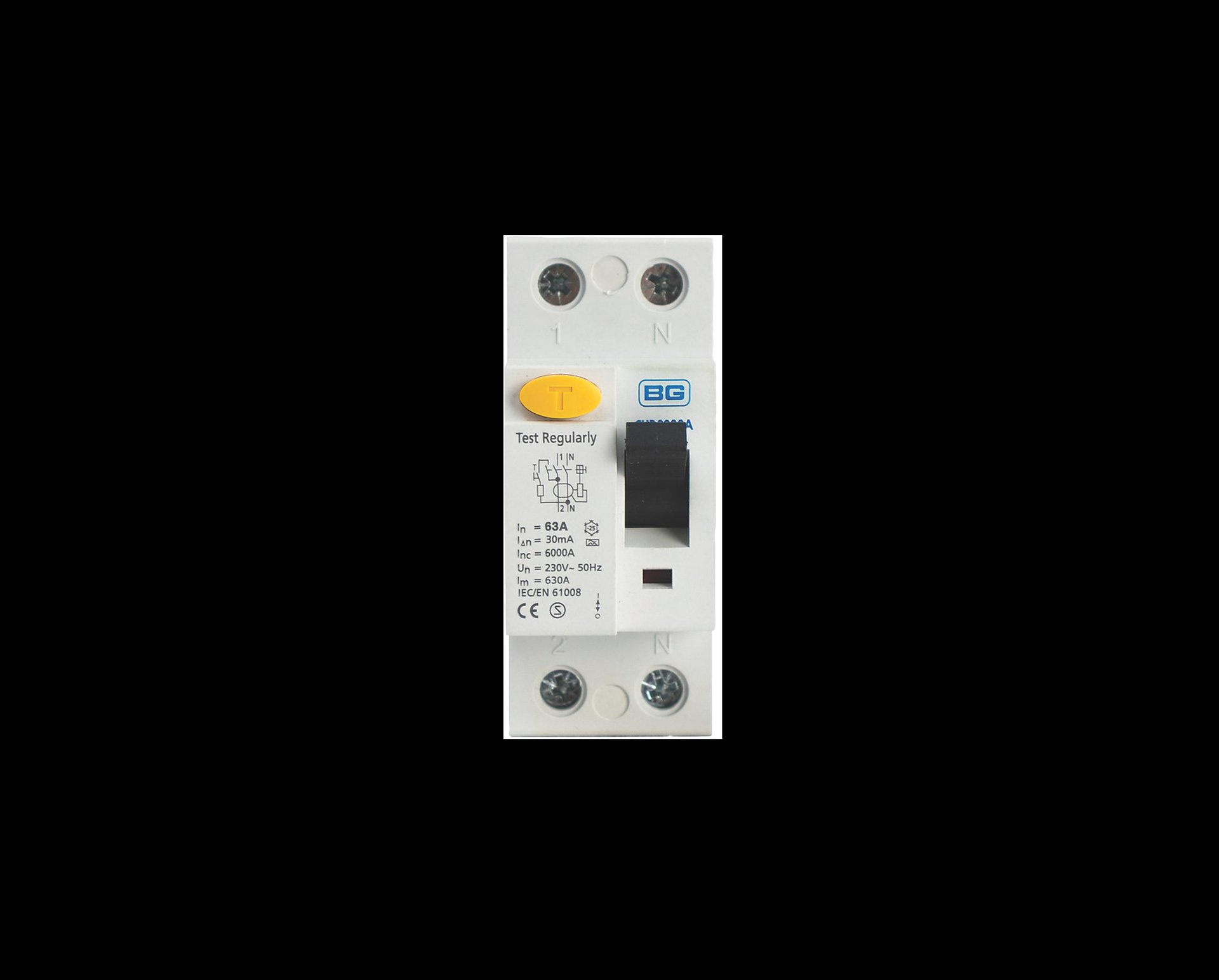
RCDs — What They Do
Residual Current Devices (RCDs) protect you from electric shock and reduce the risk of electrical fires. They constantly monitor the flow of electricity and trip within milliseconds if they detect a fault to earth.
Quarterly RCD Test (User Test)
A simple check you can do yourself every three months:
Locate the RCD Found in your consumer unit, marked with a TEST (T) button.
Press the TEST button The RCD should trip instantly to the OFF position.
Reset it Switch it back to ON. Power will return to the protected circuits.
Confirm everything is back on Check sockets, appliances, and lighting on that circuit.
What You Should Expect
Instant trip when pressing TEST
Brief loss of power on the protected circuits
Normal reset with no hesitation
If it doesn’t trip, trips slowly, or won’t reset, it needs a professional inspection.
AFDDs — What They Do
Arc Fault Detection Devices (AFDDs) protect against dangerous electrical arcing, which can occur from damaged cables, loose connections, crushed flexes, or ageing wiring. These arcs can lead to electrical fires — AFDDs detect them early and disconnect the circuit automatically.
Testing AFDDs
AFDDs have an internal self‑test function. Most modern units run automatic checks every time the circuit is energised.
User test:
Press the TEST button on the AFDD.
The device should trip immediately.
Reset it the same way as an RCD.
What You Should Expect
Instant trip when pressing TEST
No noise, no delay, no flicker
Normal reset with no issues
If the AFDD fails to trip, buzzes, clicks, or won’t reset, it must be checked by a qualified electrician.
When to Call DSK Electrical
Get in touch if:
An RCD or AFDD fails its test
It trips randomly or repeatedly
It won’t reset
You’re unsure which circuits are protected
You want your consumer unit checked or upgraded
Safety devices are only effective if they’re working properly. Quarterly testing keeps your home protected.
What Should I Do If My RCD Trips and Won’t Reset?
If your RCD won’t reset, it usually means something connected to that circuit has a fault. Follow these steps to find the cause safely:
1. Unplug everything on the affected circuit Remove all appliances, chargers, lamps and anything else plugged in — including items in cupboards, lofts or sheds.
2. Try resetting the RCD again If it resets with everything unplugged, the issue is likely with an appliance.
3. Plug items back in one at a time After each item, check whether the RCD trips again. The appliance that causes the trip is the likely culprit.
4. Turn off switches for fixed appliances This includes:
Washing machine
Dishwasher
Extractor fans
Oven
Boiler spur
Any outdoor sockets or garden equipment
Then try resetting the RCD again.
5. Check anything outside Outdoor lights, pond pumps, hot tubs, pressure washers and extension leads are common causes. Turn them off or unplug them completely.
6. If the RCD still won’t reset There may be a wiring or circuit fault. At this point, it’s safest to contact a qualified electrician.
What is an AFDD and what if it trips?
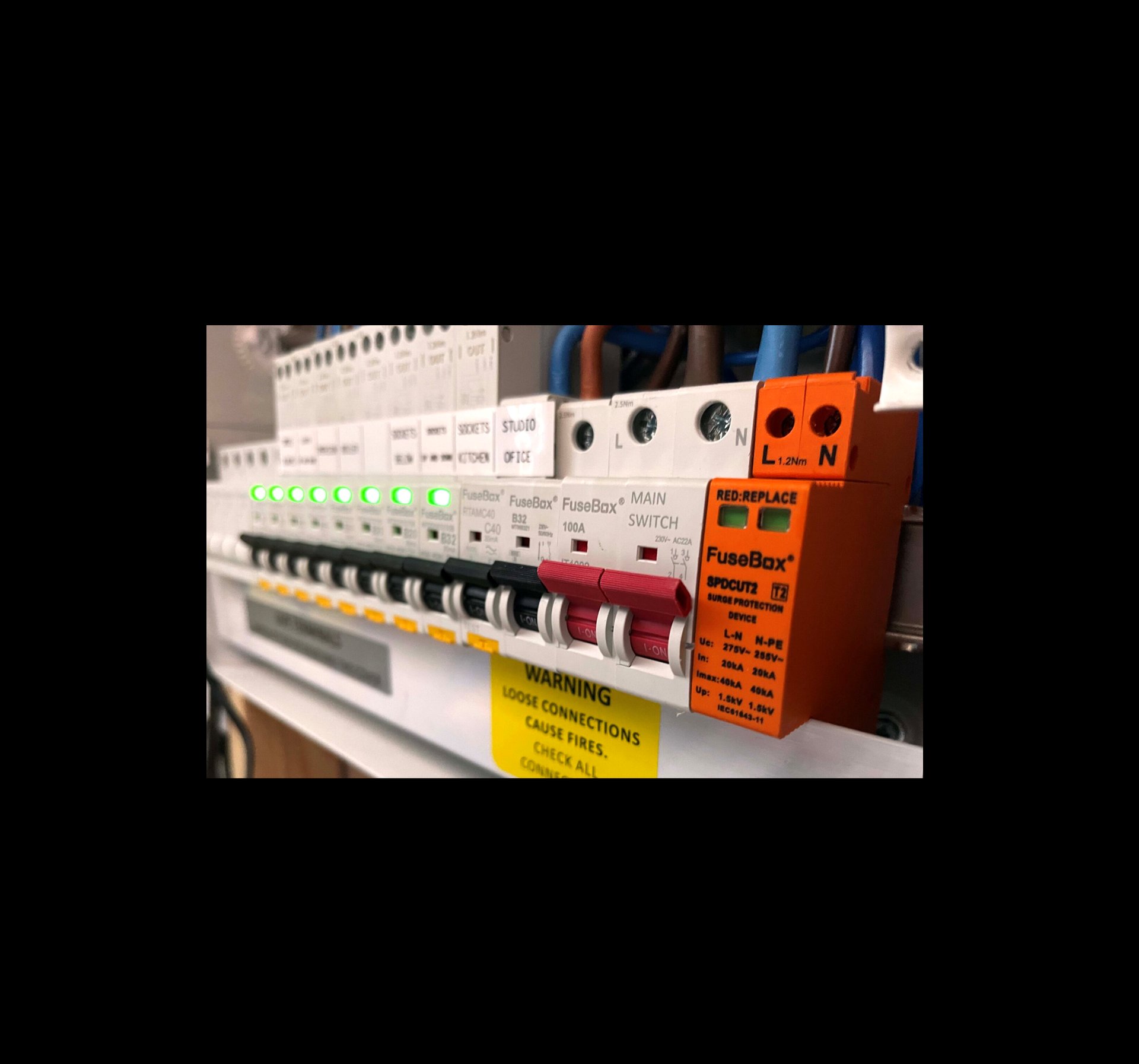
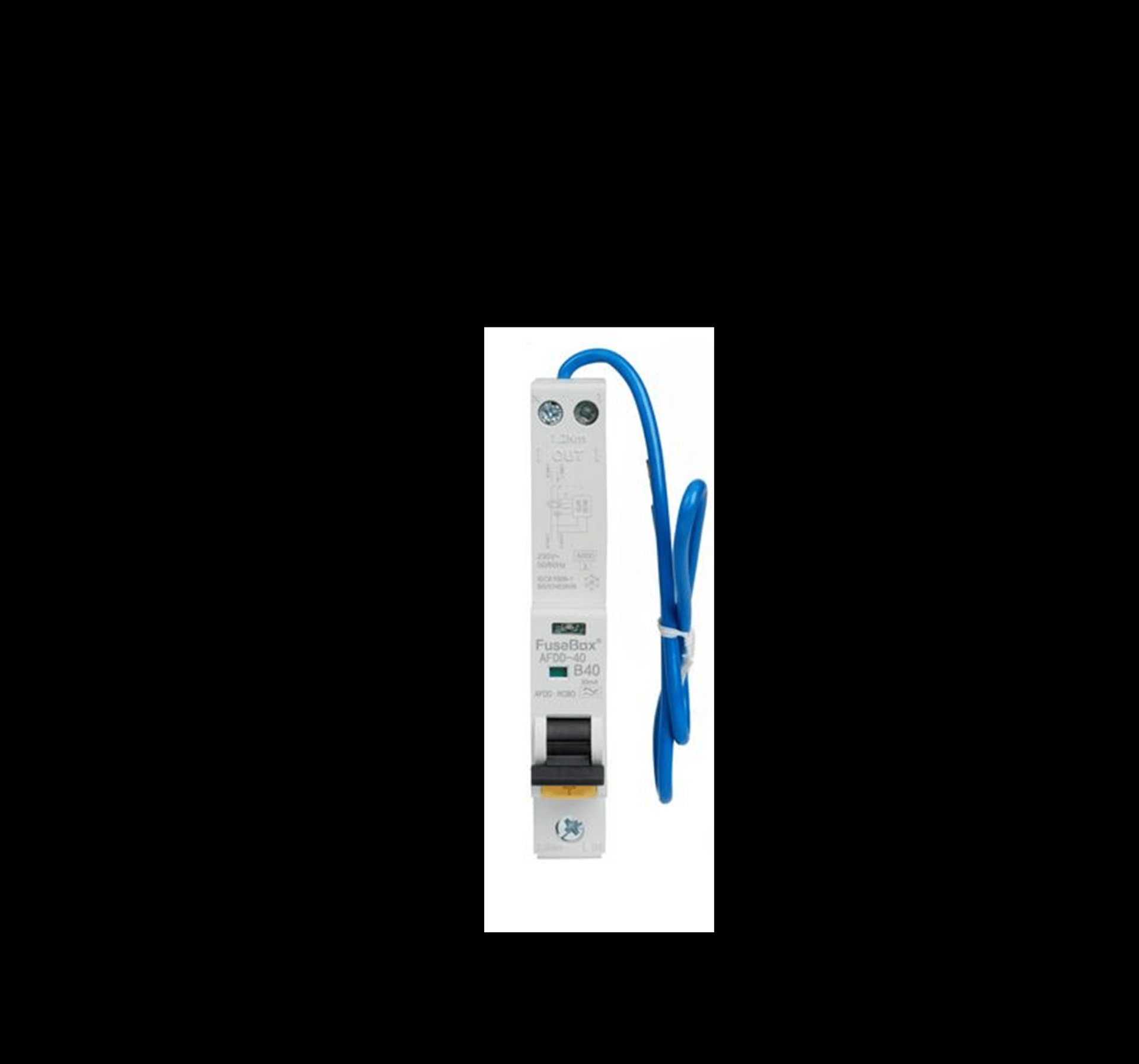
What Is an AFDD and How Does It Work?
An AFDD (Arc Fault Detection Device) is a safety device designed to reduce the risk of electrical fires. It does this by detecting dangerous arcing within a circuit. Arcing can occur when a cable is damaged, loose, crushed, or deteriorating. These faults do not always trip a standard breaker or RCD, which is why AFDDs provide an extra layer of protection.
An AFDD constantly monitors the electrical wave pattern in the circuit. If it recognises the signature of an arc fault, it disconnects the power automatically before heat can build up and potentially start a fire.
What an AFDD Protects Against
Parallel arcing caused by insulation breakdown
Series arcing caused by loose or damaged cables
Overload and short‑circuit protection (in AFDD/RCBO combined units)
Residual current protection (in AFDD/RCD combined units)
This makes AFDDs one of the most advanced forms of electrical protection available for homes and businesses.
Understanding the LED Indicator
Most AFDDs include an LED indicator to help identify why the device has tripped. Although colours vary slightly between manufacturers, the meanings are generally similar:
Solid green – Normal operation
Flashing red – Arc fault detected
Flashing amber or yellow – Overload or overcurrent
Alternating colours – Device fault or self‑test issue
No light – No power or the device has fully tripped
Always refer to the manufacturer’s label for exact LED meanings.
What to Do If an AFDD Trips
Switch the AFDD fully off, then back on.
Unplug appliances on that circuit.
Check for anything that may have damaged a cable, such as furniture pressing on a lead.
Try resetting the AFDD again.
If it trips again, do not continue resetting it. The device is detecting a genuine issue.
At this point, contact a qualified electrician to inspect the circuit safely.
Contact
“Sometimes I’m offshore or out on the West Coast where phone signal can be hit‑or‑miss, but I’ll get back to you as soon as I’m back in range.”
Phone
© 2025. All rights reserved.